Characters & Images
Add characters and manage their art in your story.
Characters give your lines a voice and add faces to your story - managed from the Characters page in the sidebar.
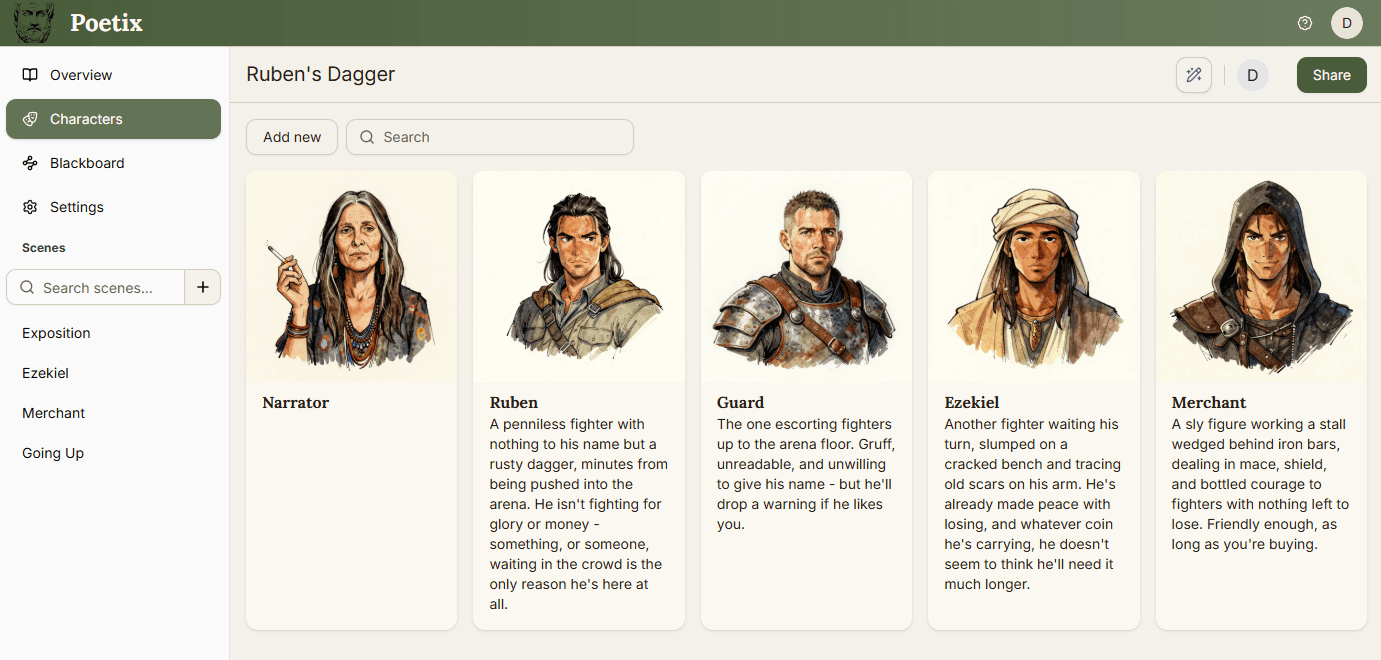
Adding a character#
Add new creates a character and opens its editor. Give it a name and an image. click the current image to open a file picker or just drop an new image onto the existing one. You can also choose from the built-in gallery.
Assigning a character to a line#
A character isn't attached to anything just by existing in your roster - open a line in the beat editor and use its Select character... picker to assign one as that line's speaker.
Description and the AI#
A character's description is there for your own reference, but also gives useful information to the AI Co-Writer.